
Free
Live masking of Stripe, GitHub and AWS secrets on your primary display.
$0forever
- Live masking on your primary display
- Core secret families
- Fail-safe cover
- OBS setup helper
Pricing
The free beta masks the primary display for good. Pro adds the extras.
Live masking of Stripe, GitHub and AWS secrets on your primary display.
$0forever
Every secret family, any or several displays, the call to action and the detection panel.
$5per year
Billed yearly in US dollars. Cancel any time from the link in your receipt.
Same Patterns tab, Free then Pro.
Free
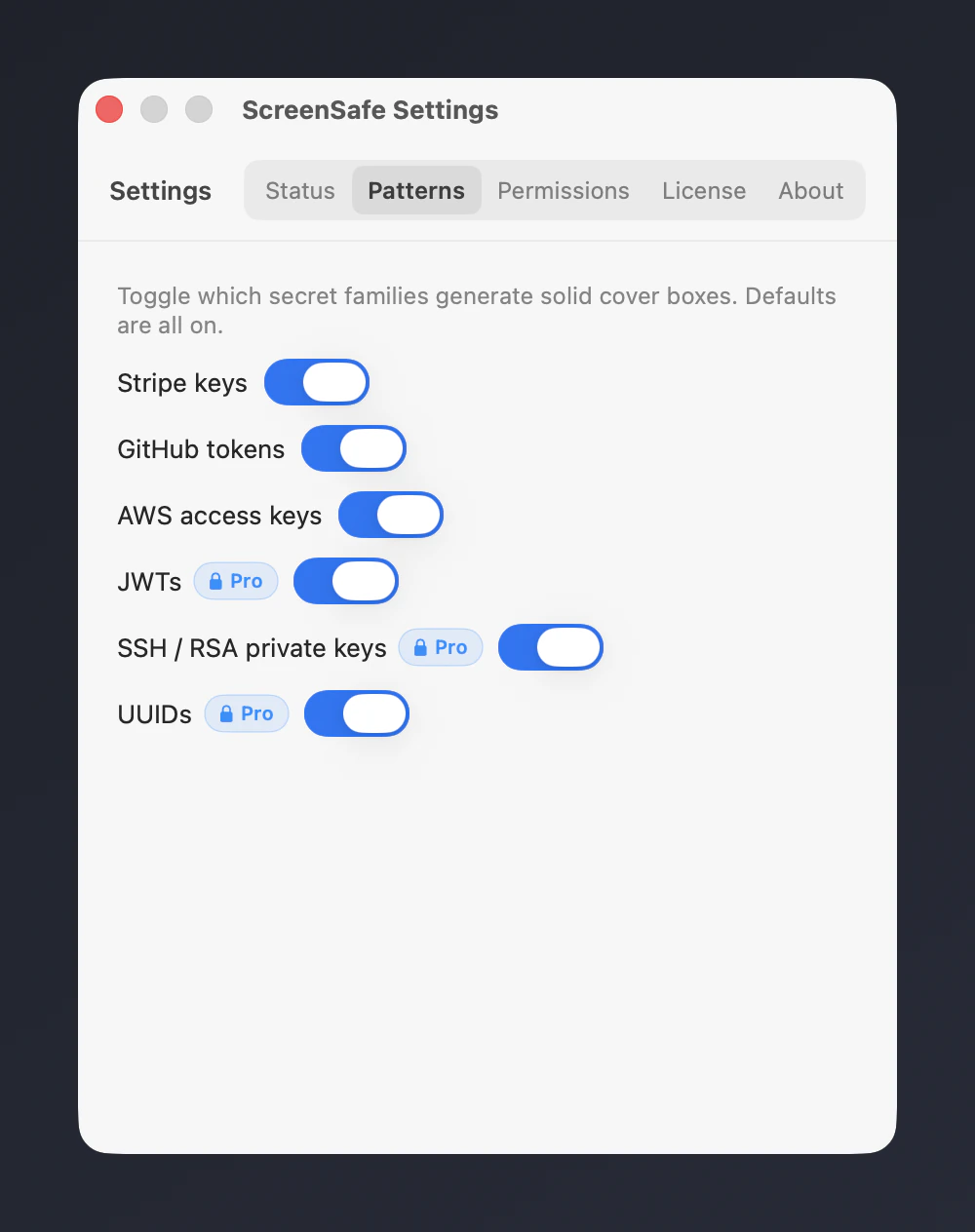
Pro
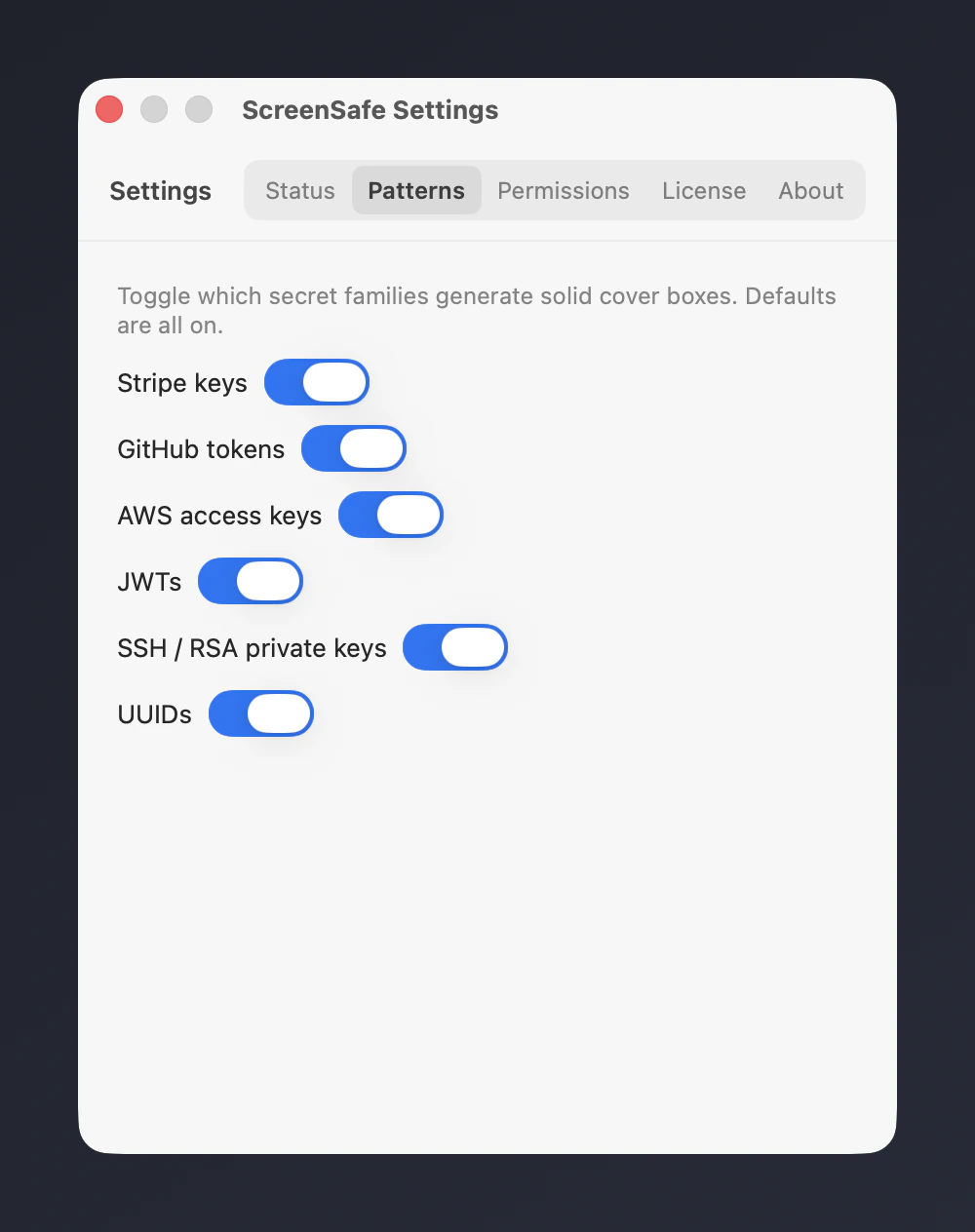
Real captures of the Settings window with fake secrets and a scratch licence. The Pro captures use a fake test key on a loopback mock licence server, so no purchase was made.
| Feature | Free$0 | Pro$5/year |
|---|---|---|
| Masking | ||
| Live masking on your primary displayOCRs the display once a second and covers detected secrets with solid blocks in an overlay that OBS layers above the delayed desktop. | Included | Included |
| Core secret familiesDetects Stripe keys, GitHub tokens and AWS access keys. | Included | Included |
| Fail-safe coverCovers the whole screen for 400 ms on a trigger (HTTP or TriggerFullScreenBlur) to help keep a secret from showing during a window switch. | Included | Included |
| All secret familiesProAdds JWTs, SSH and RSA private key headers and UUIDs to the core Stripe, GitHub and AWS detection. | Stripe, GitHub, AWS | All families |
| Stream | ||
| OBS setup helperCreates the OBS scenes, the overlay source and the OCR delay filter for you from the tray. | Included | Included |
| Any or multiple stream displaysProMask any display, or several at once, and follow the monitor on Program. Free masks the primary display. | 1 | Unlimited |
| Stream CTA overlayProShows a themed call to action on the masked overlay for your viewers. | Not included | Included |
| Diagnostics | ||
| Detection HUDProShows what ScreenSafe detects and why, live, so you can tune what gets masked. | Not included | Included |